

Keep your eyes on the run
Let voice or vibration bring you back to your chosen pace. No need to keep checking the screen.
Pace guidance, made for iPhone
Set a target pace and put your phone away. Get short voice or vibration cues when you drift too fast or too slow, and quiet when you’re on pace.
Account and Pacemax Pro subscription required.
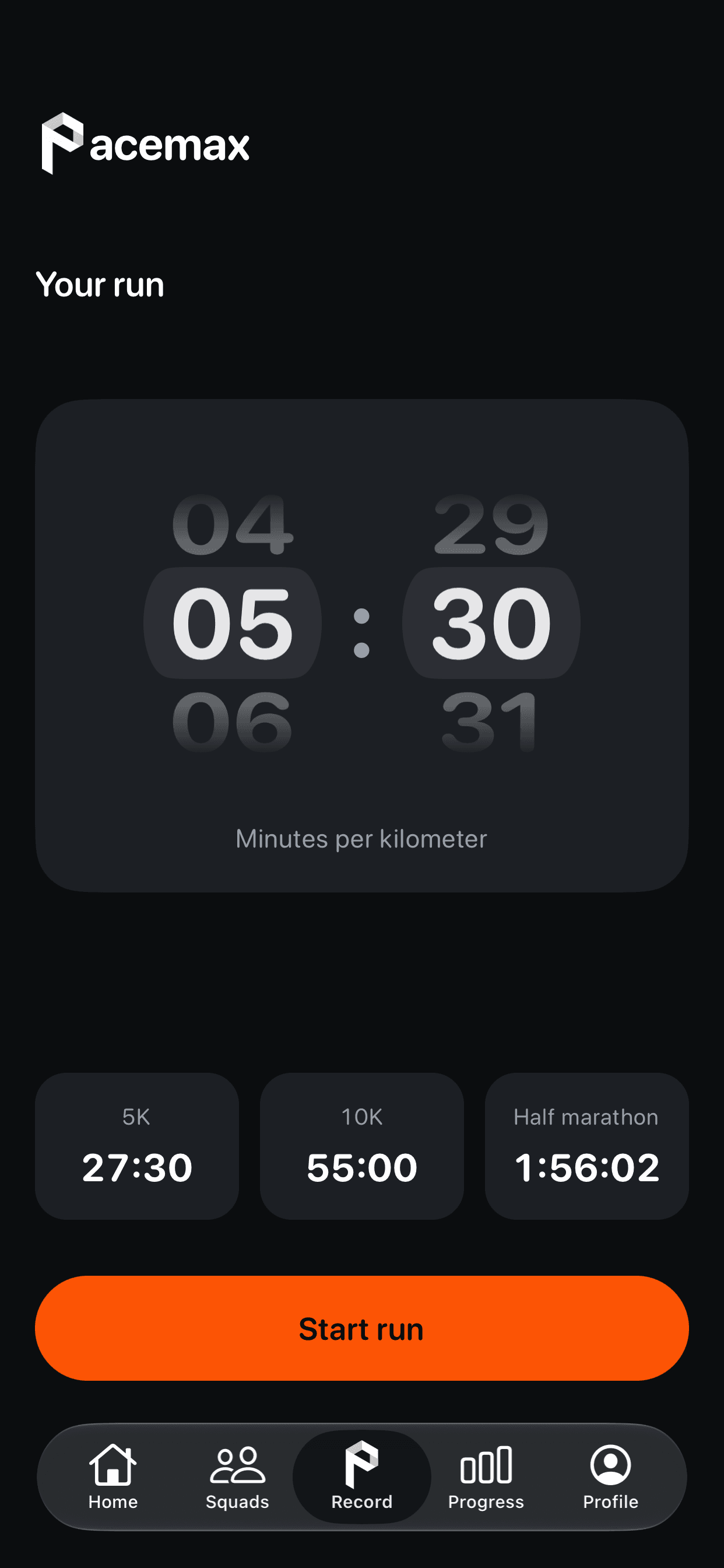
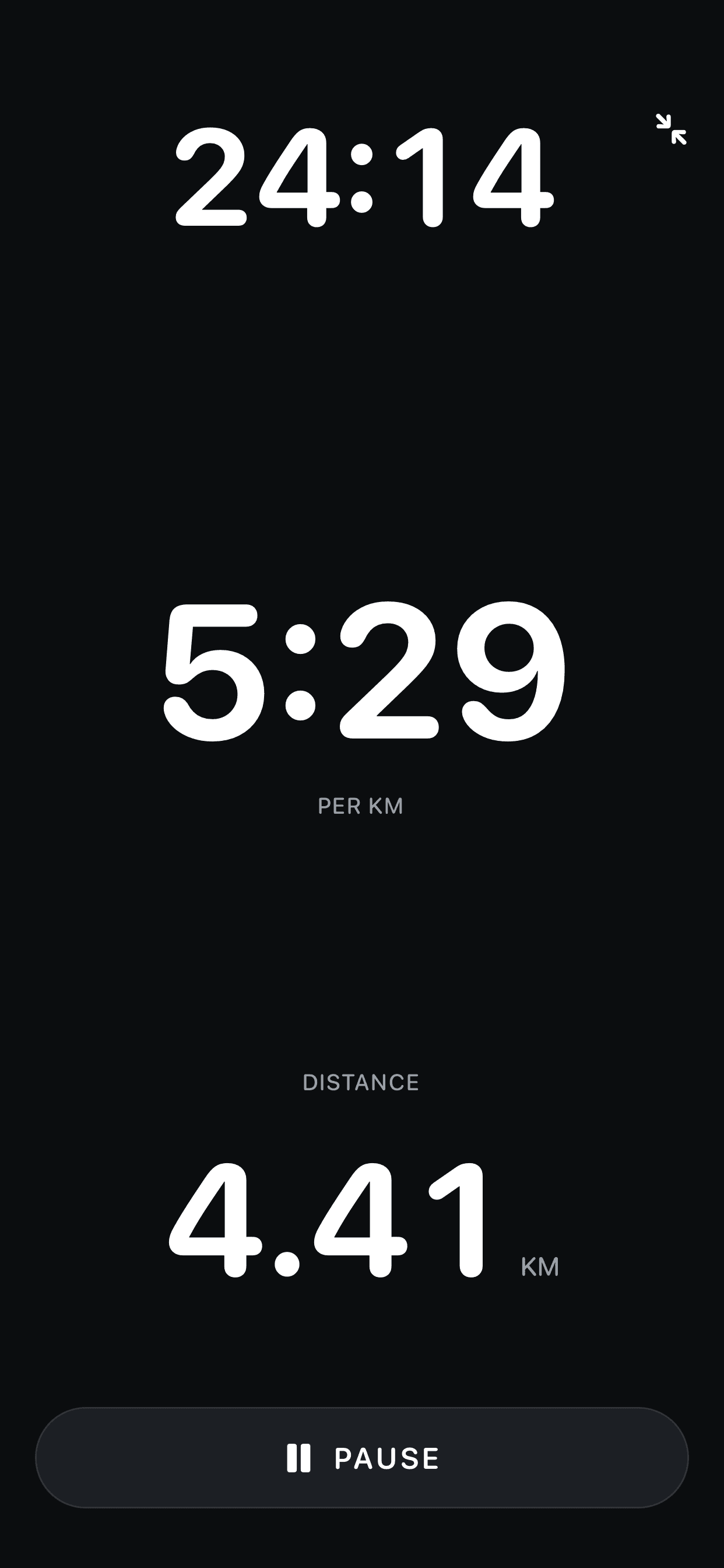
A little guidance. More room to enjoy your run.
Let voice or vibration bring you back to your chosen pace. No need to keep checking the screen.

After setup and with active Pro access, recording and guidance work offline. Runs save on your iPhone before cloud backup.

See your history, splits and time on target. Get to know your running rhythm, one run at a time.
After your run
Look beyond the finish. Explore your pace and splits, see how steadily you ran, and follow your progress over time.
Explore Pacemax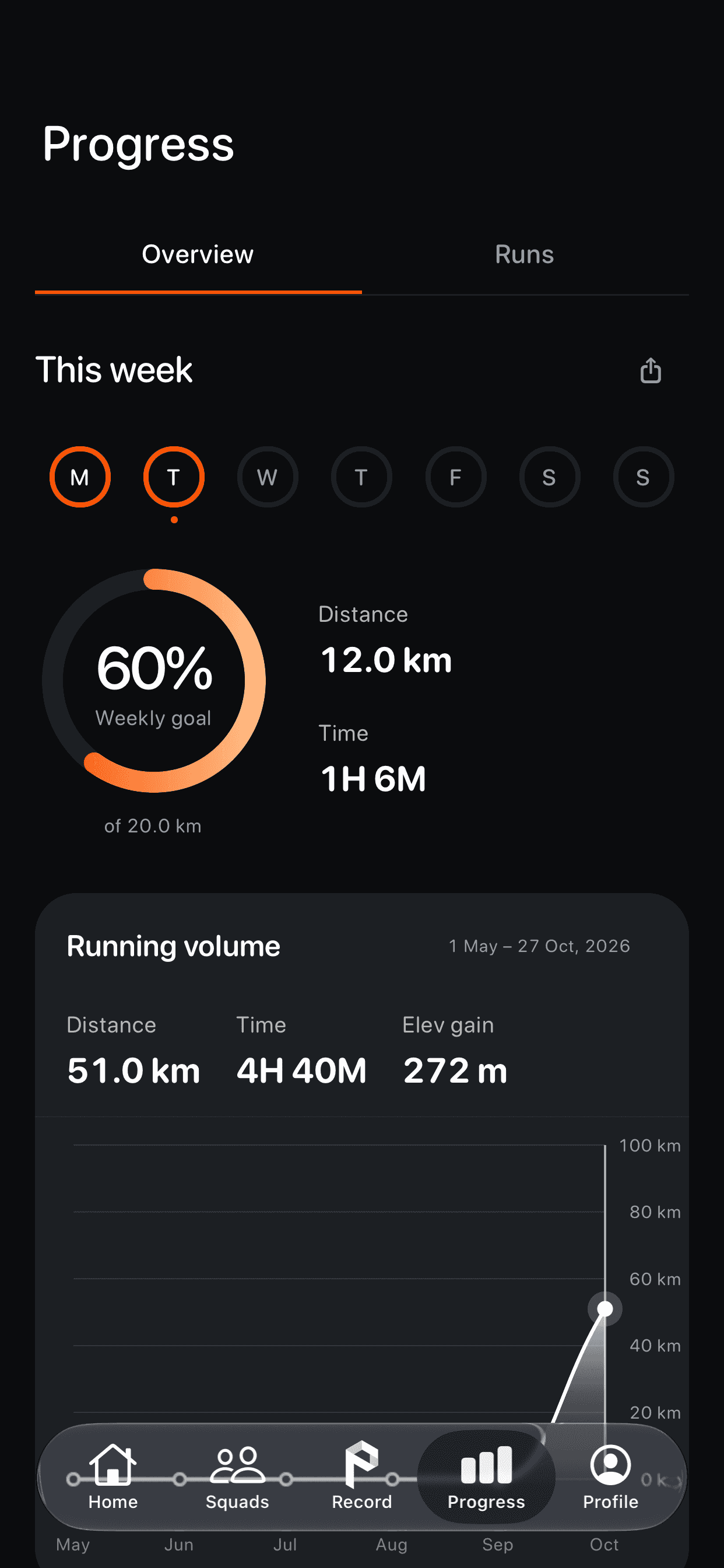
A few things to know before your next run.

Use Restore on the Pro plan screen, or Restore Purchases in Settings. Make sure your iPhone is signed into the Apple Account used for the purchase and that you have an internet connection.
If restoring fails, try again. If access still isn’t restored, email us with your app version, iPhone model and what you see. Don’t send passwords or payment-card details.
On your iPhone, open Settings → your name → Subscriptions → Pacemax. You can also open Apple’s subscription settings below.
Deleting the app or your Pacemax account does not cancel your subscription.
Manage your subscriptionApple handles App Store purchases and refund decisions. Submit your request through Apple’s purchase support.
Request a refund from AppleAfter account setup and with active Pro access, recording and pace guidance work without mobile data. GPS location access is still required. Completed runs save on your iPhone before cloud backup.
Setup, purchases and cloud backup need a connection. Avoid uninstalling the app to troubleshoot a run: records that haven’t backed up may be lost.
Check your selected voice or vibration mode and your iPhone’s audio output and volume. Pacemax stays quiet on target and waits for fresh, sustained off-target measurements before correcting your pace. Coaching starts after thirty active seconds.
Weak GPS, denied location permission or an audio interruption can affect cues. Silence is not a safety signal. If it keeps happening, tell us your iPhone model, iOS version and selected cue mode.
Open Profile → Settings → Delete Account. Without Pro, use Account → Delete Account on the Pro plan screen after account setup. A subscription purchase is not required.
Keep an internet connection available so deletion can finish. Account deletion is permanent and does not cancel an Apple subscription.
If setup fails before you can reach that control, email mukombambia@gmail.com for help.
Get help with account deletionPut your phone away. Find your rhythm.
Built for outdoor running on iPhone. Pro subscription required.